Webhooks
Easily integrate with Buyback via our Webhooks module to receive notifications of Submissions and Orders. All of the available webhooks are described within the flow documented in the pages of the Selling Items wiki section.
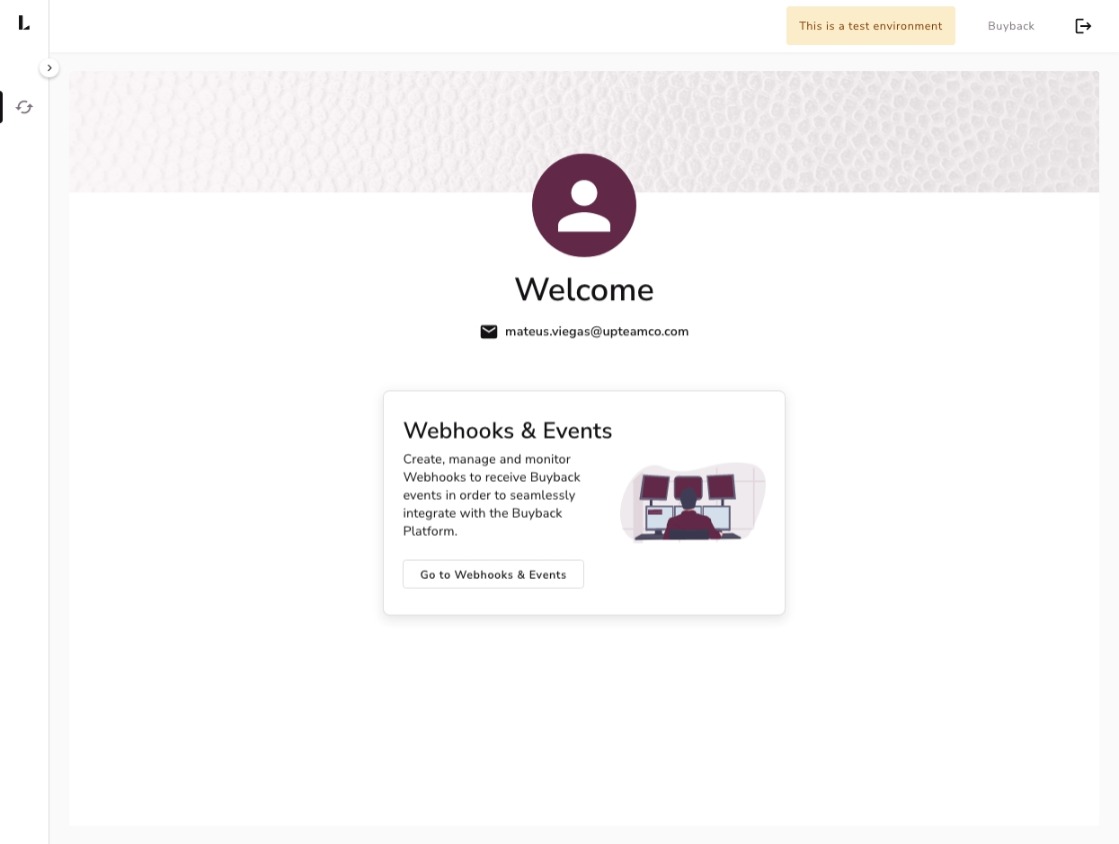
Guidelines
Your Webhook's endpoint should return a status code of 2XX. A 200 is preferred, but any 2XX status will indicate to our system that the Webhook request was successful. Endpoints that return failures over a period of time will get automatically disabled by the Buyback Platform.
Managing webhooks and subscriptions
On this page, you will see all of your registered webhooks.
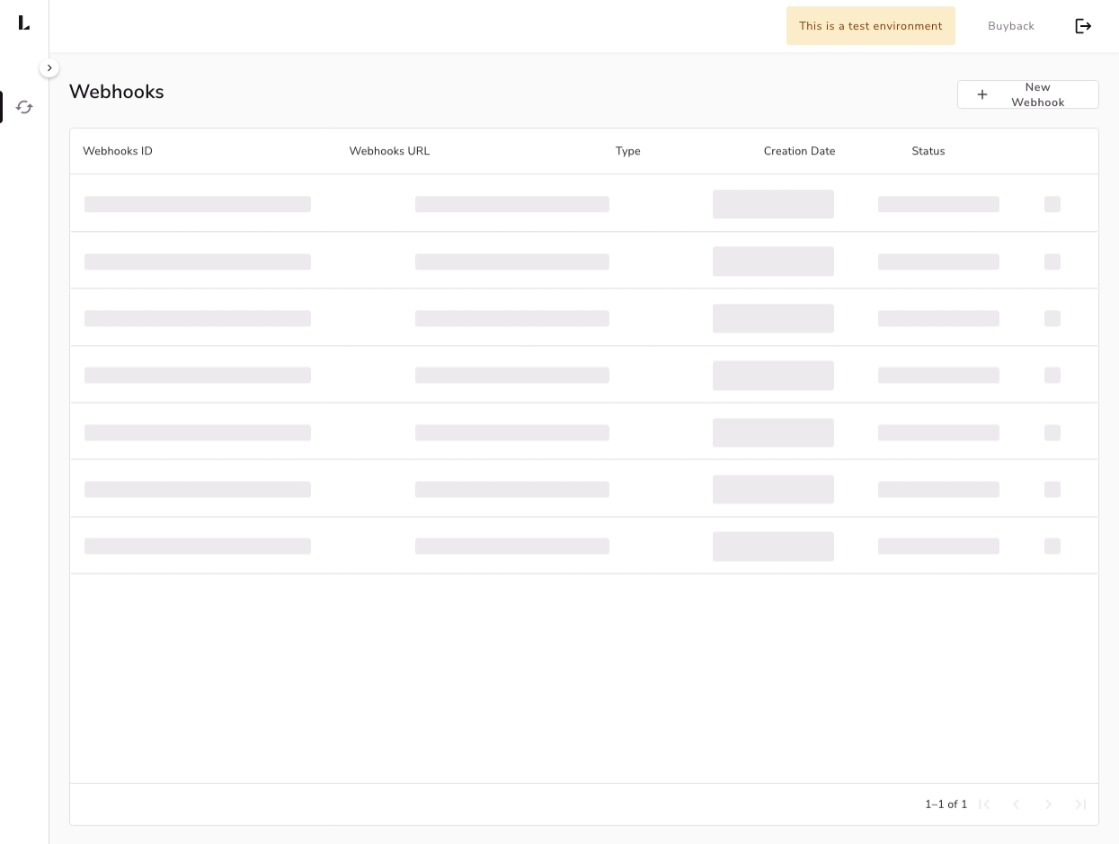
To create a Webhook, you simply need to provide a url parameter that you wish to receive notifications through our tool according to the steps on the image below.
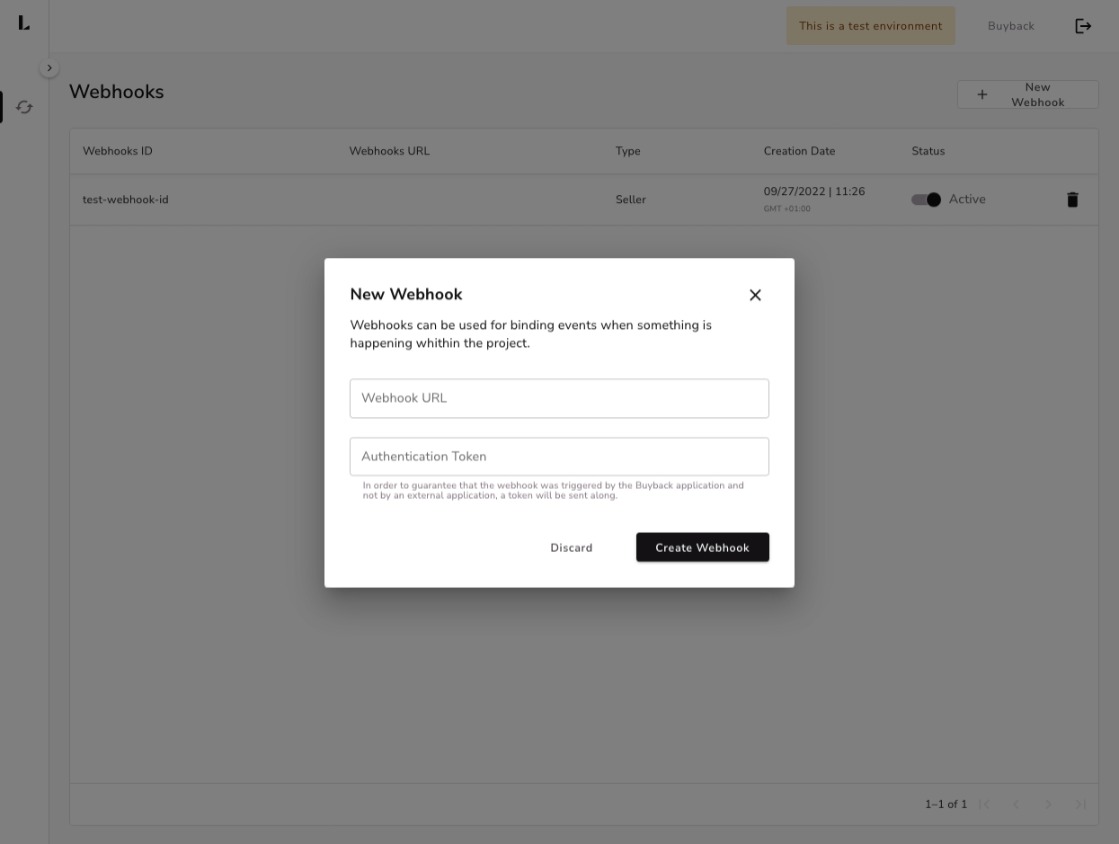
To enable, disable or delete a webhook, you simply need to click in the action buttins within the grid.
Security
We recommend the practice of securing Webhooks with HTTPS on your endpoint. As stated in the image above, it is possible to add an Authentication Token. This is a token that should be stored on your end and is sent along with the Webhook notification. This way, your application can verify that the request is really originated from the Buyback Platform.